 Baggo
BaggoQuicker than a pen and paper.
Baggo knows your items, your aisles, and what they were out of last time. Share the list, split the store, and watch it empty from both ends.


Everything you need to get started.
Start
From everyday groceries to work supplies, Baggo adapts to what you shop for. Start with the built-in grocery catalog, explore ready-made catalogs for cleaning, baby care, and more, or import your own catalogs. Customize, update, or remove catalogs anytime, and choose each catalog’s language independently of the app language.
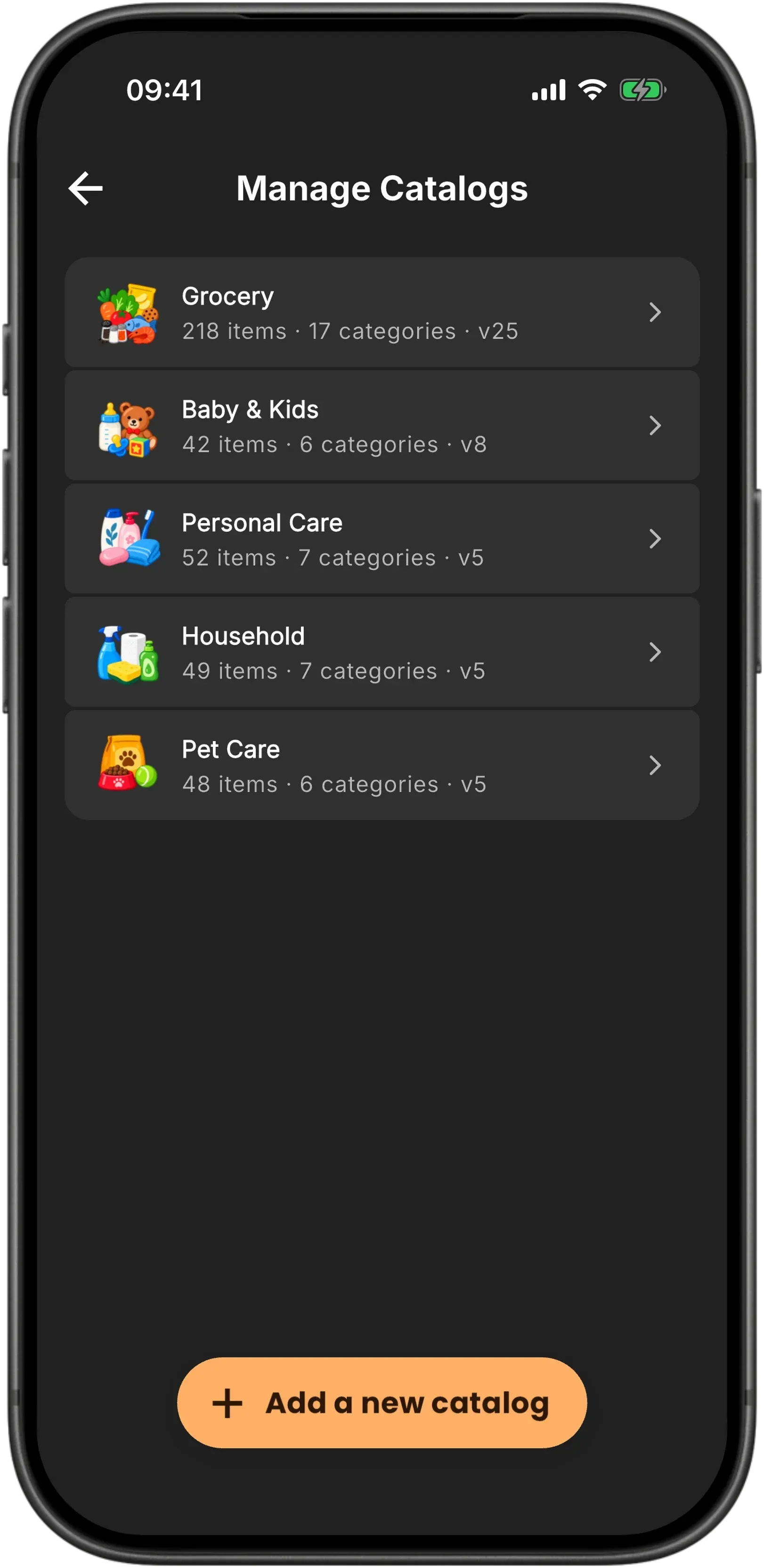
Not in the catalog? No problem.
Collect
Baggo is your personal shopping notebook. Save any item with a photo, brand, or note so you never forget the details. Add it once, reuse it in any list with one tap, or share it with others. Your collection grows with you.
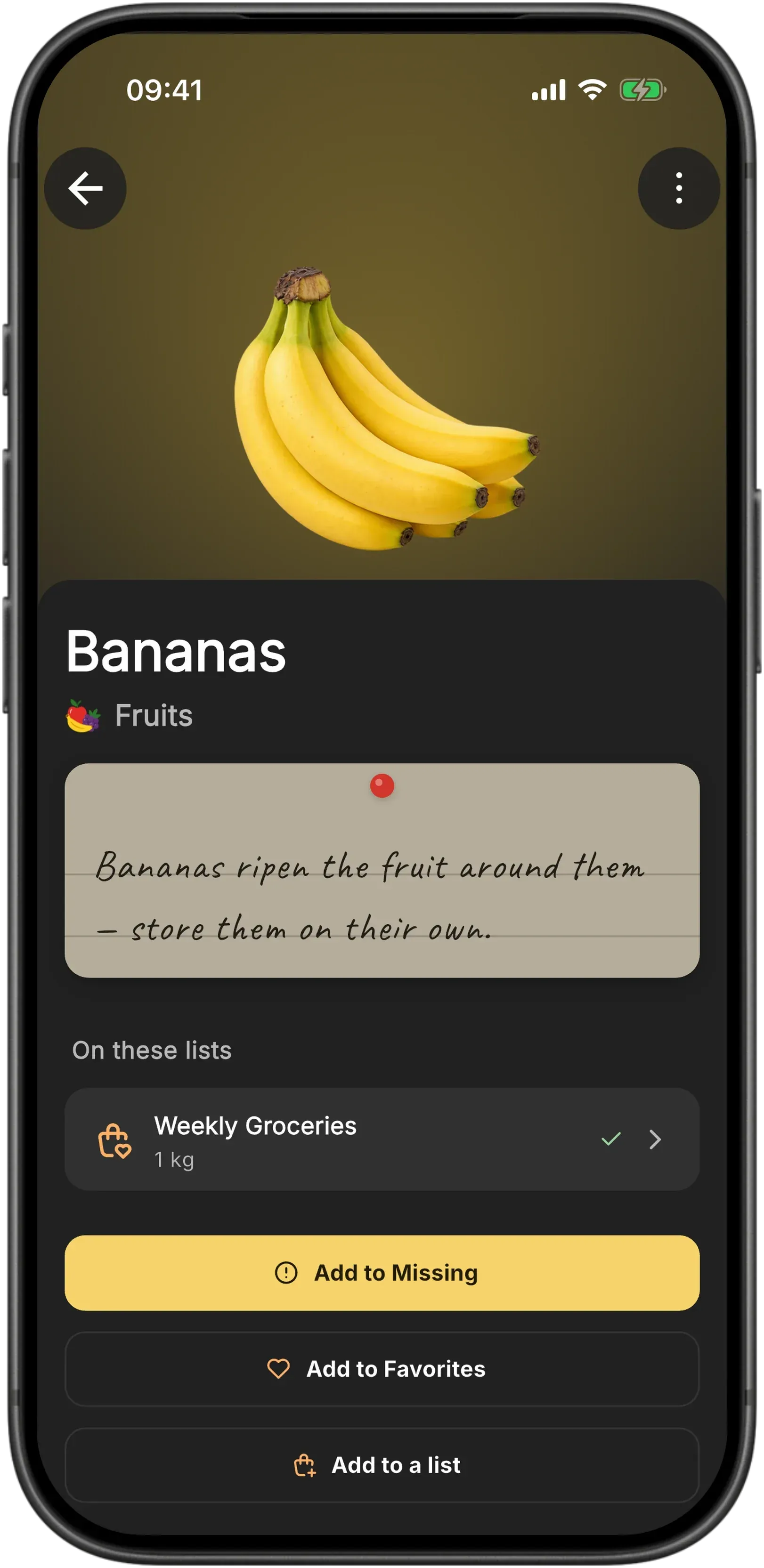
A list for anything you're going out to buy.
Plan
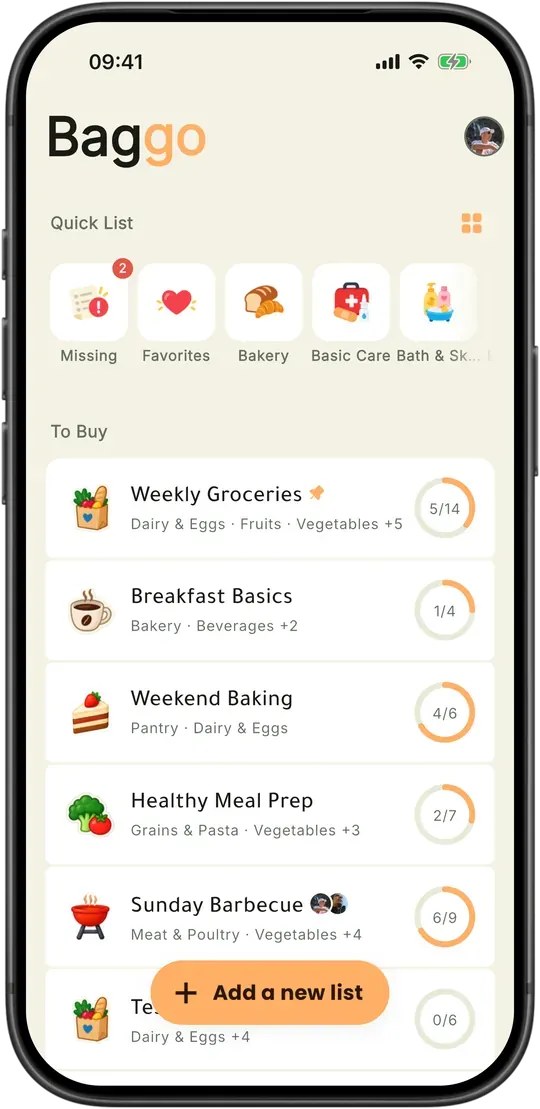
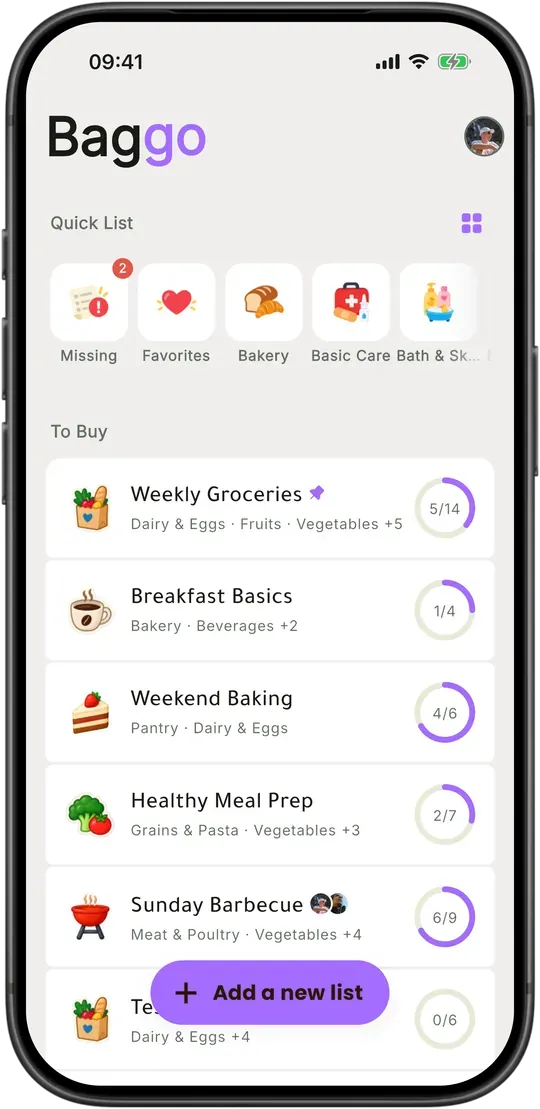
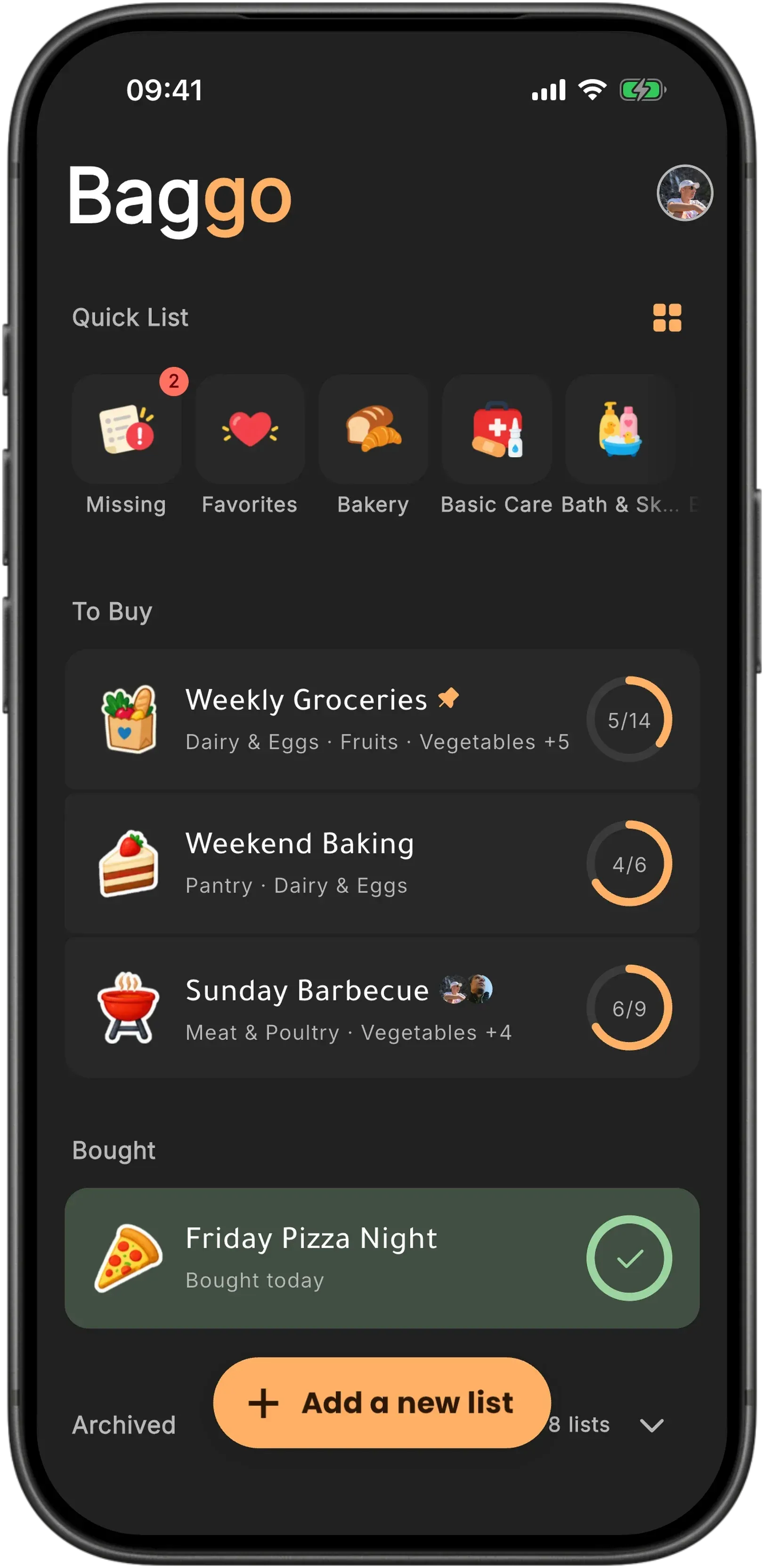
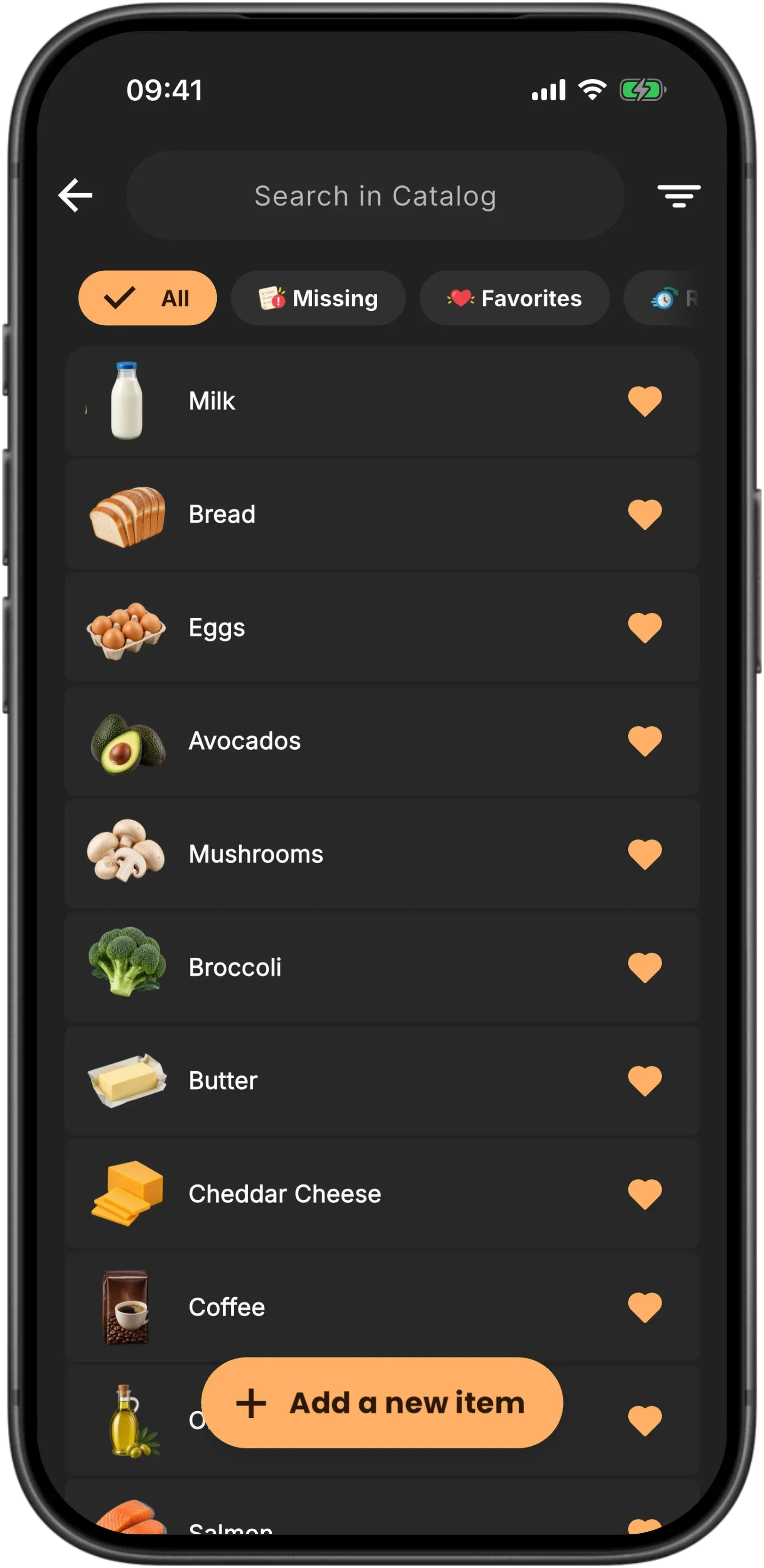
Groceries are the obvious one, but nothing here is grocery-shaped by force. Make your own items and categories and it's the list for the hardware run, the hobby shop, the gear before the season starts. Give each list a name and an icon, pin the weekly ones to the top, stick a note to the ones that need one, and set a reminder so you turn up on the right day.
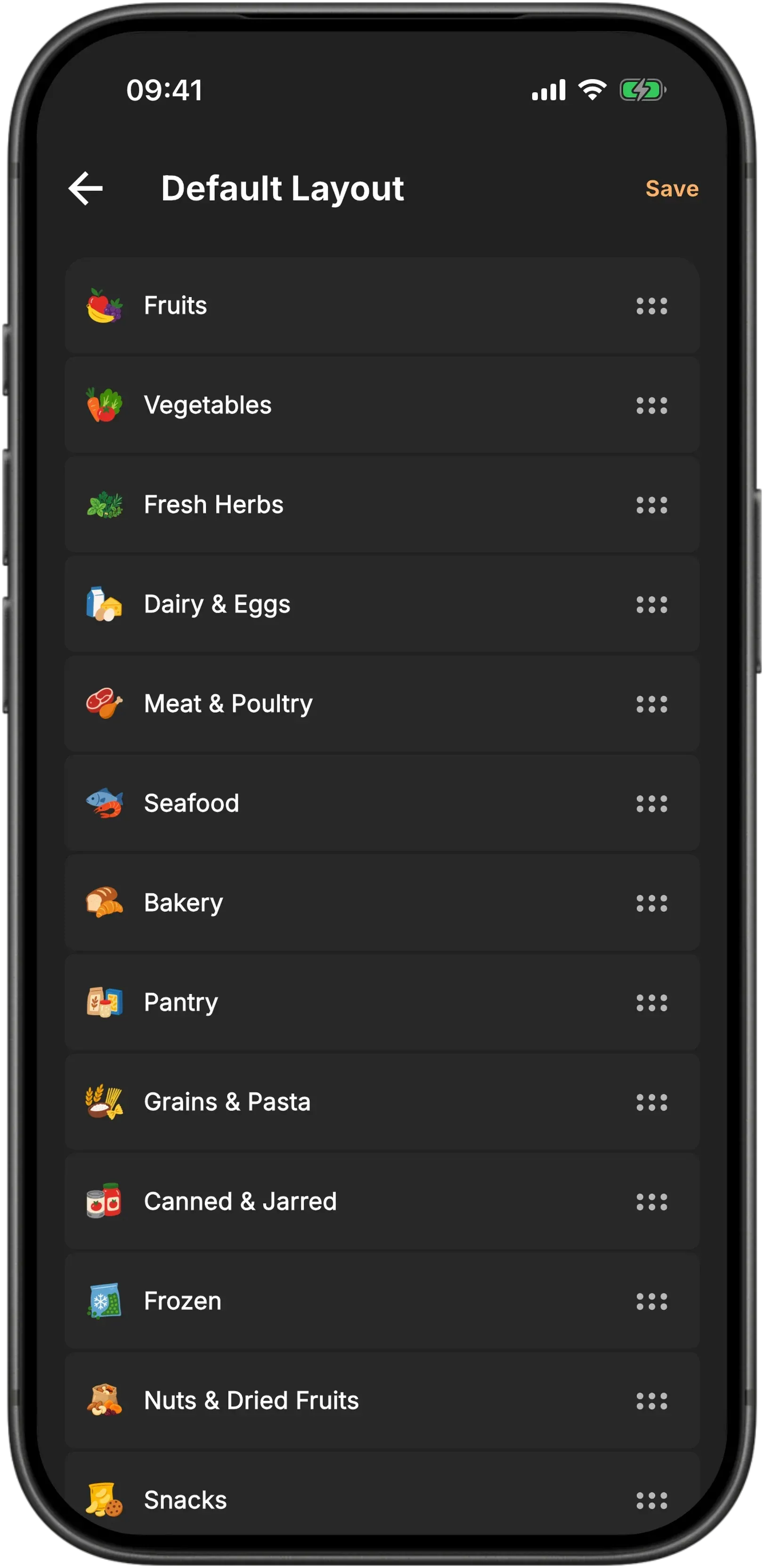
Walk the store once, front to back.
Shop
Tell Baggo how your store is laid out and the list comes back in walking order: produce where you come in, freezers on the way out. A glance shows what's left and which aisle it's in, so you finish instead of doubling back. And because the whole thing lives on your phone, the back corner of the shop, the underground car park and a plane all behave exactly the same.
Split the store, not the list.
Share
Share a list with your partner or the whole household and it stays one live list rather than a copy each. Items tick off in front of you as they land in someone's cart, with their name and face on them, so nobody has to phone anyone about the bread. Found something worth buying? Send the item itself, photo and note included, and it waits in their inbox until they take it.
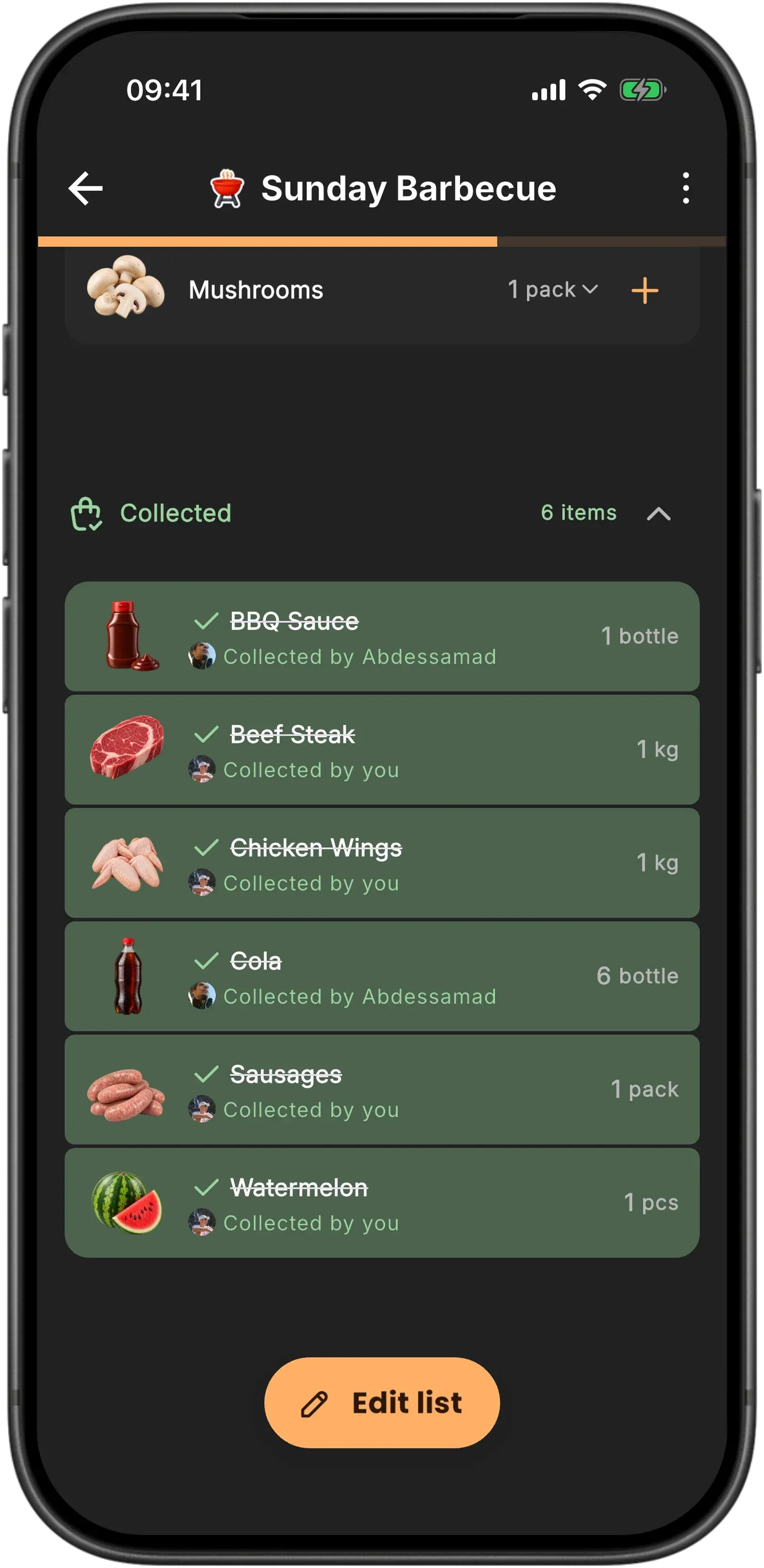
Nothing falls off the bottom of the list.
Restock
Every trip ends with something out of stock. One tap clears what you didn't get and marks those items missing, so they're waiting for you next week instead of quietly disappearing. One tap undoes it if you change your mind in the car park. Finished lists get archived rather than deleted, so last month's shop is still there when you want to run it again.
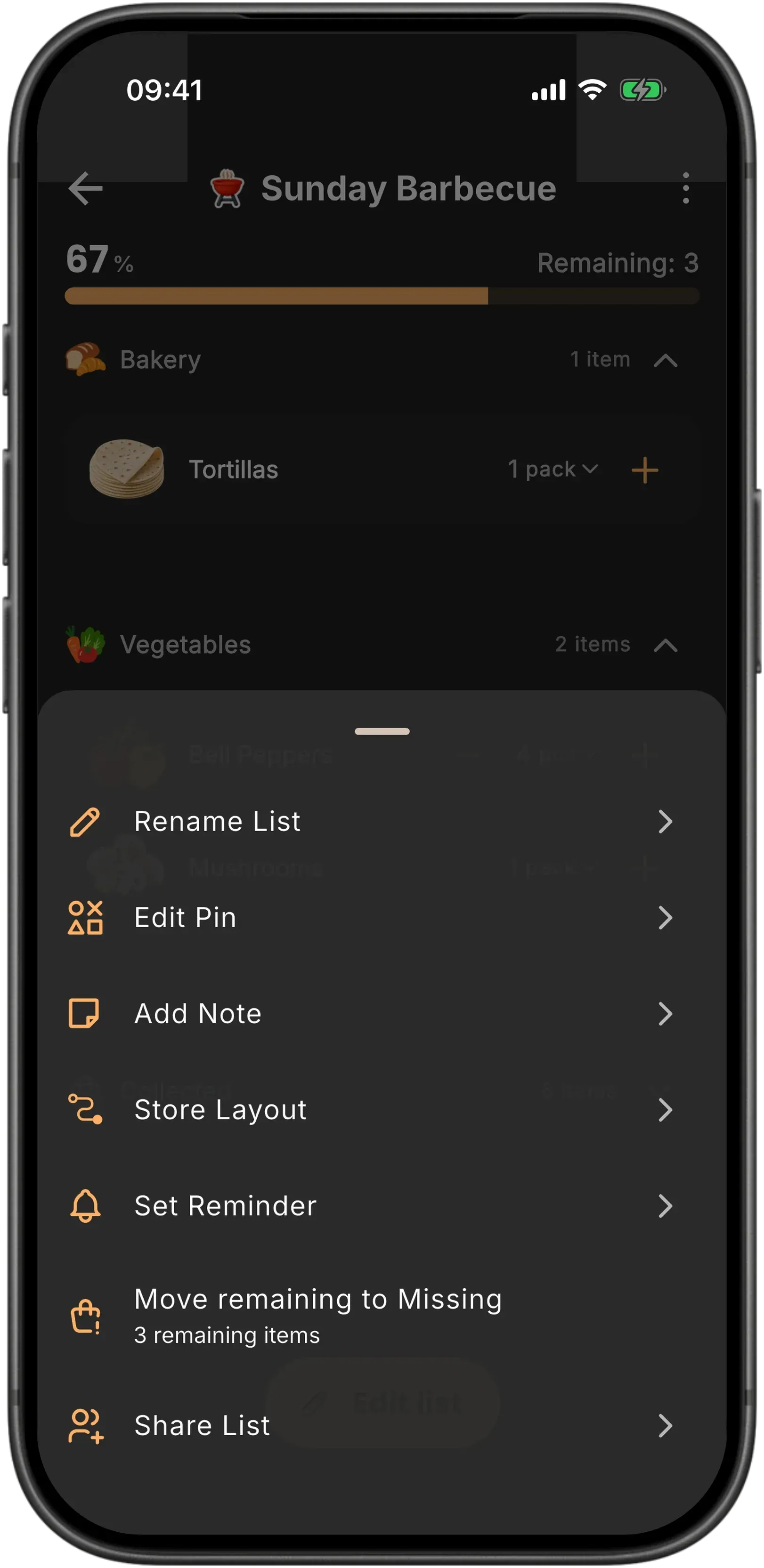
Your Baggo. Your way.
Make it yours
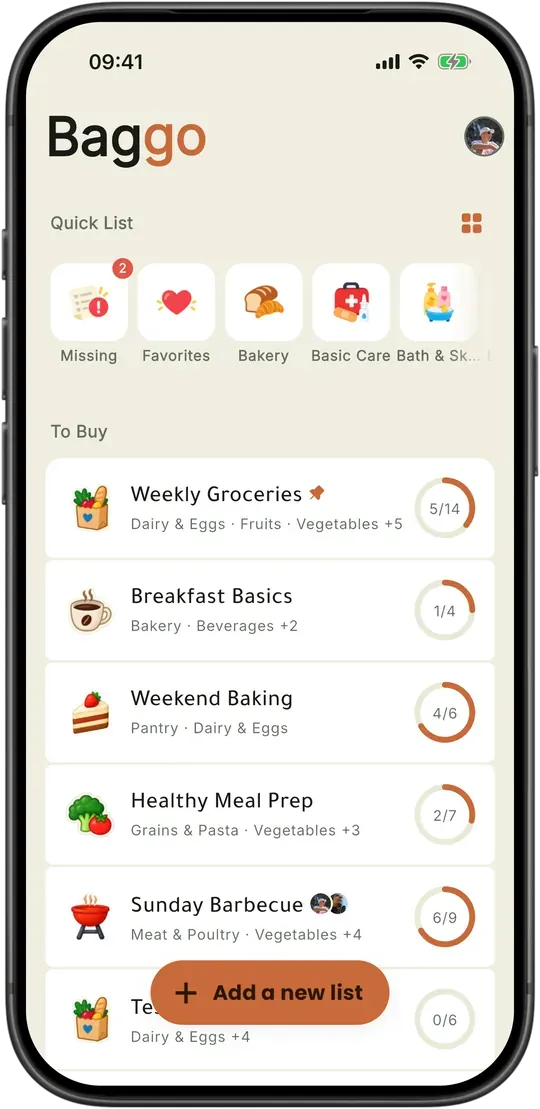
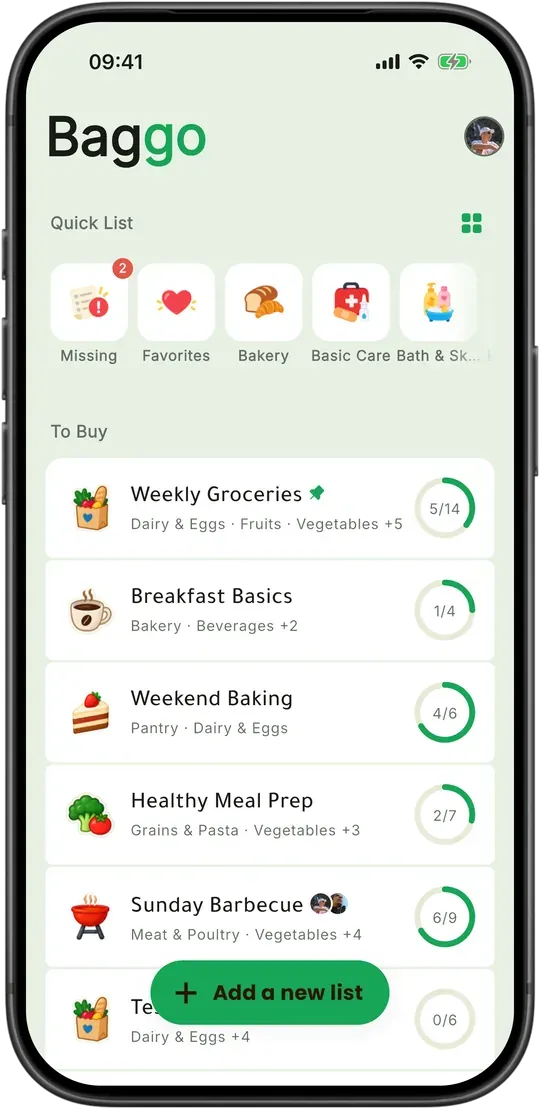
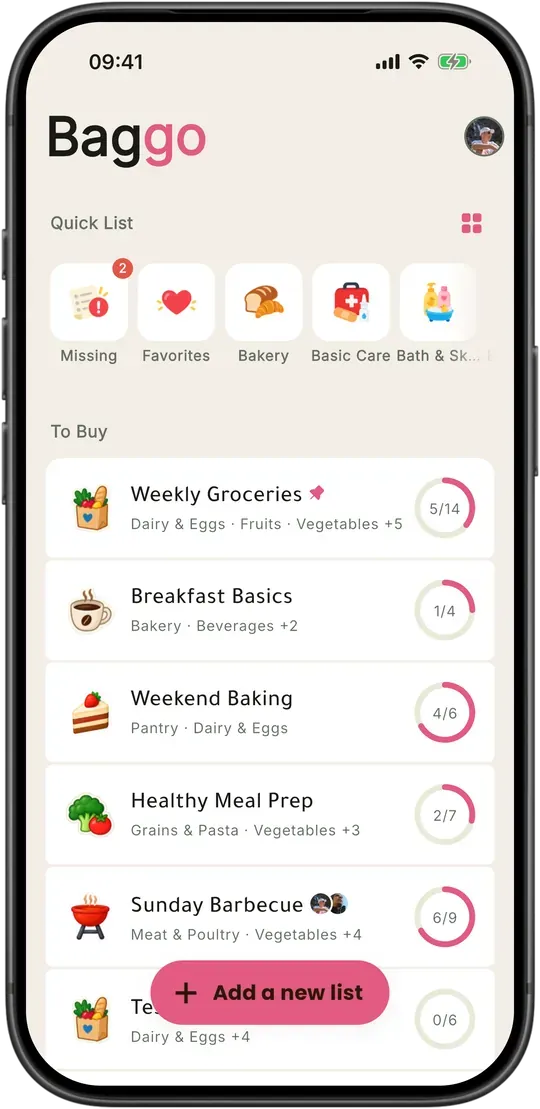
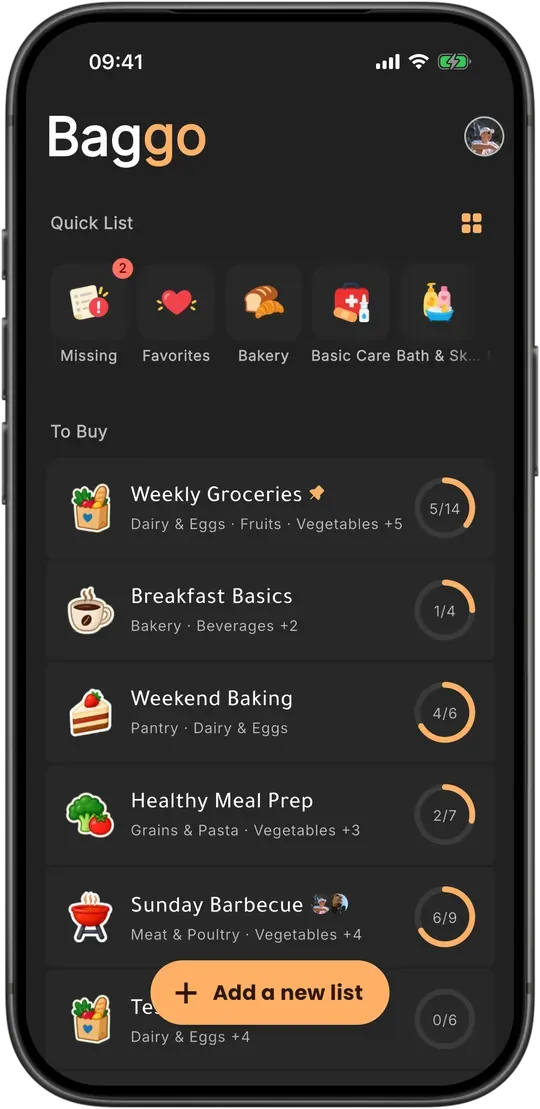
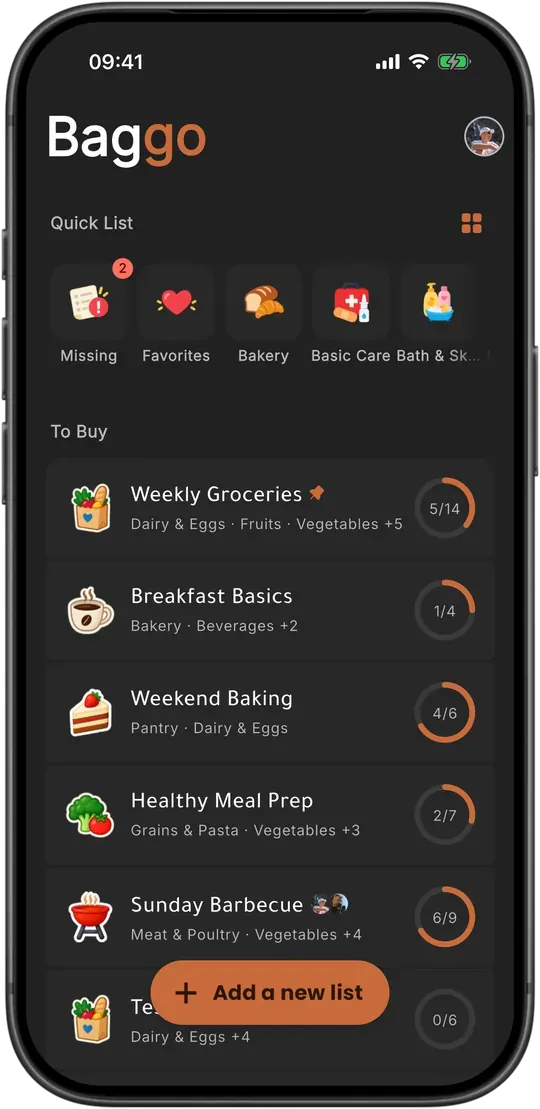
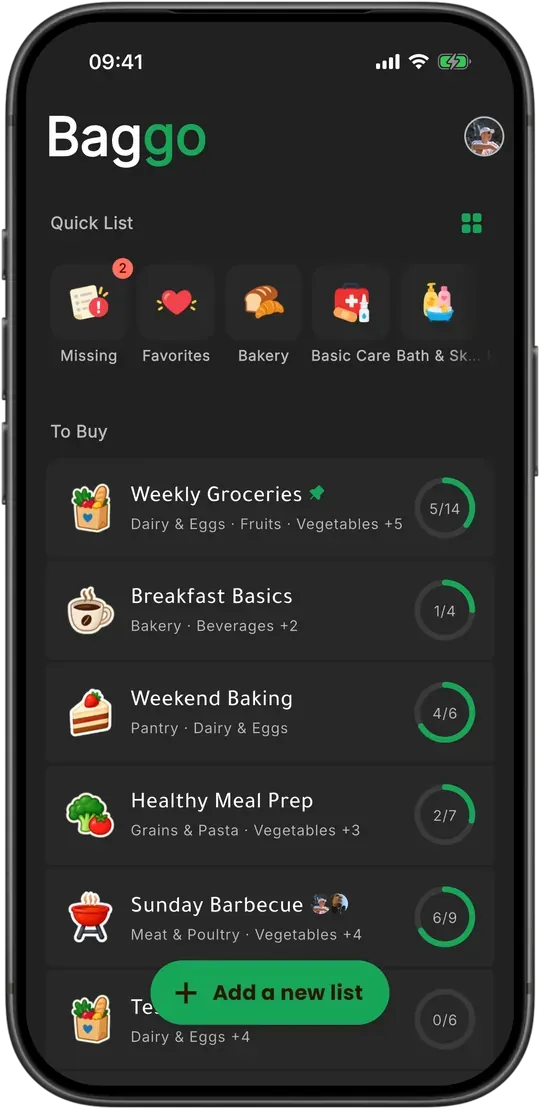
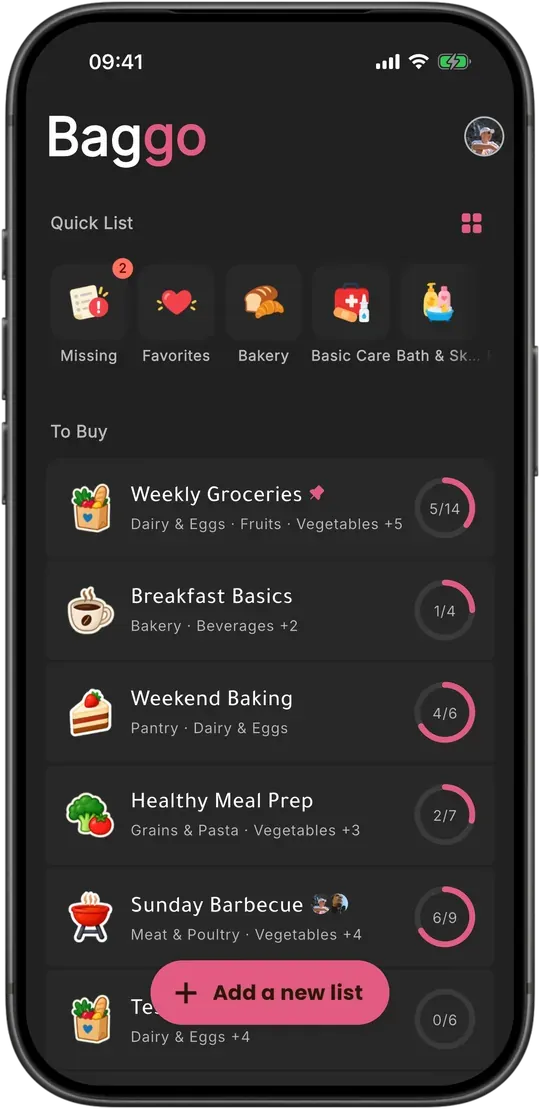
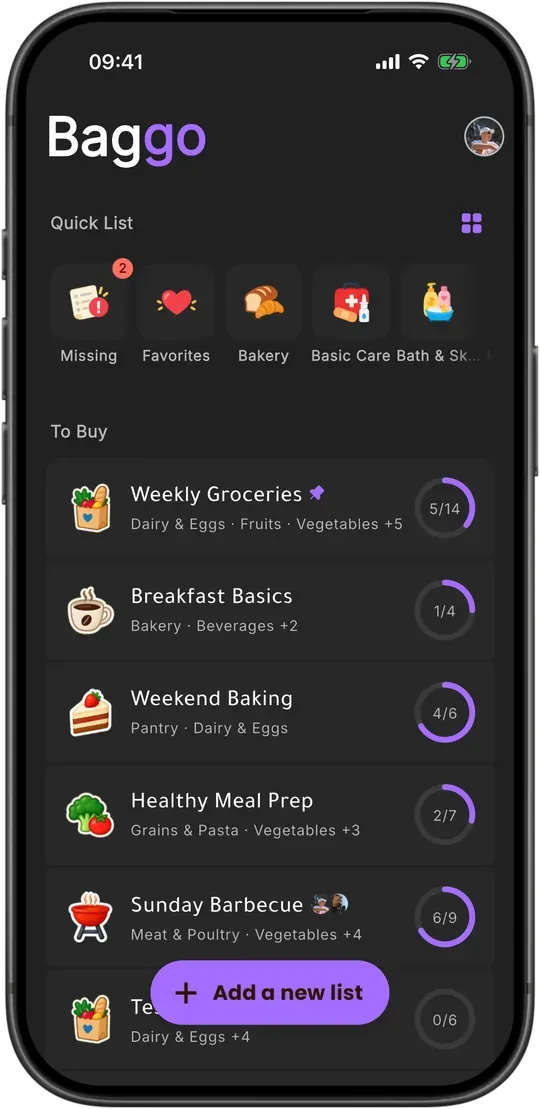
Make Baggo feel right at home. Choose your colors, switch between light and dark, adjust the text to your comfort, and use the language and measurements you’re familiar with.
Light, Baggo colours.