
Guide · Part 6
Store layouts
Put your lists in the order of your shop’s aisles, for every shop you go to.
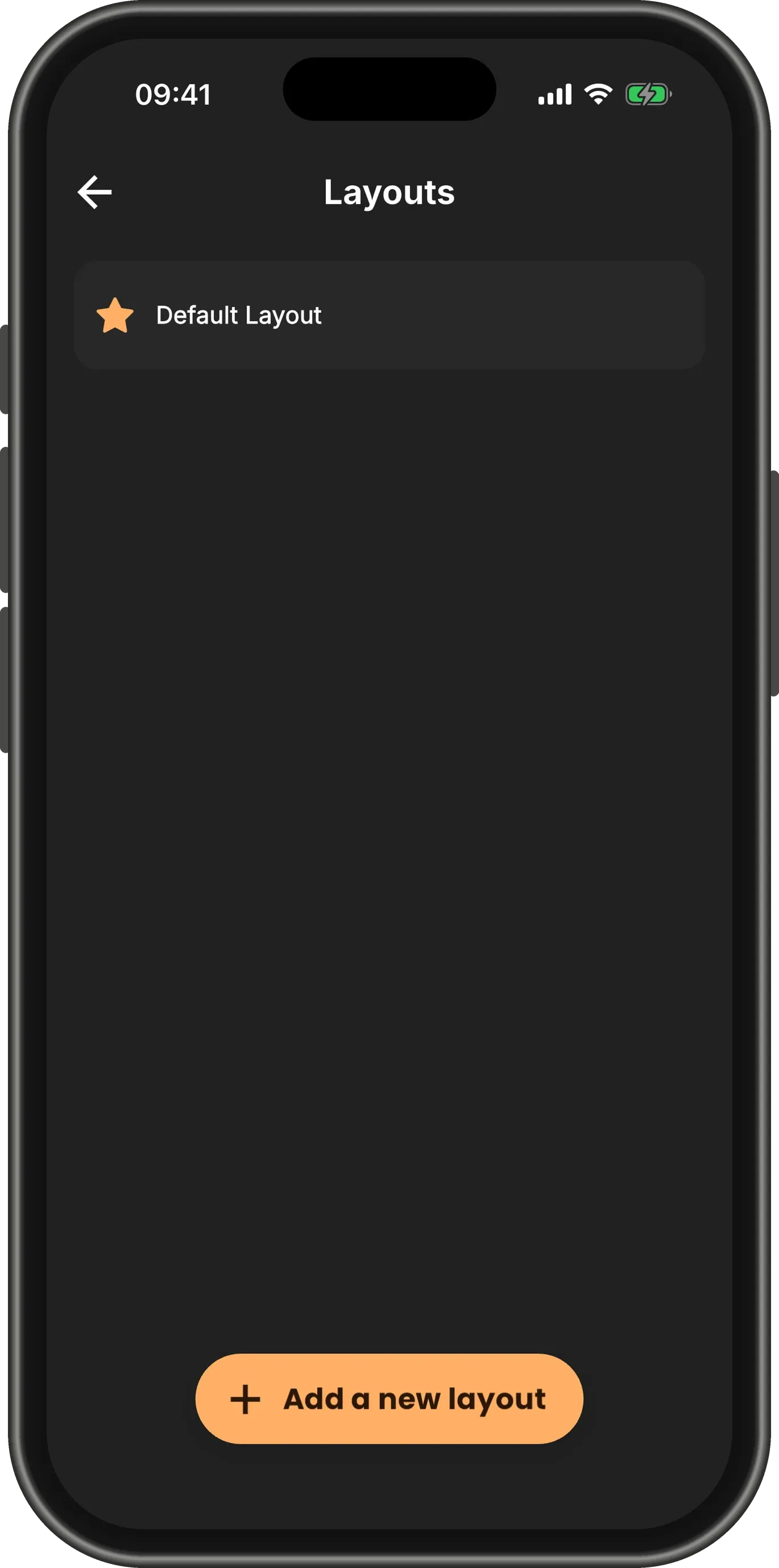
Find your layouts
Open the Menu and tap Layouts. Every list starts out in the Default Layout: the order its shelves come in.
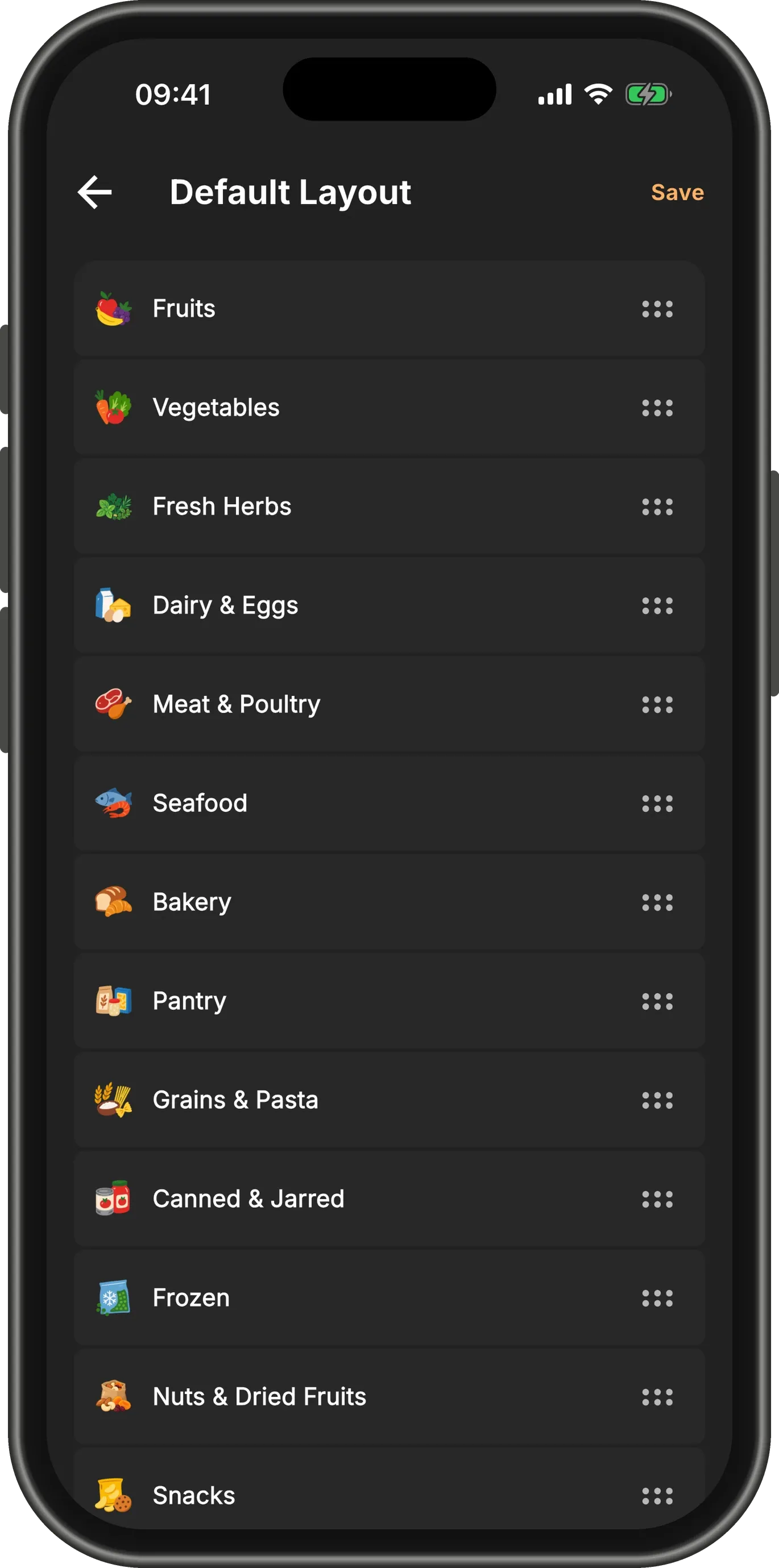
Put the shelves in your shop’s order
Open a layout and drag the shelves by their handles into the order you walk your shop. Tap Save.
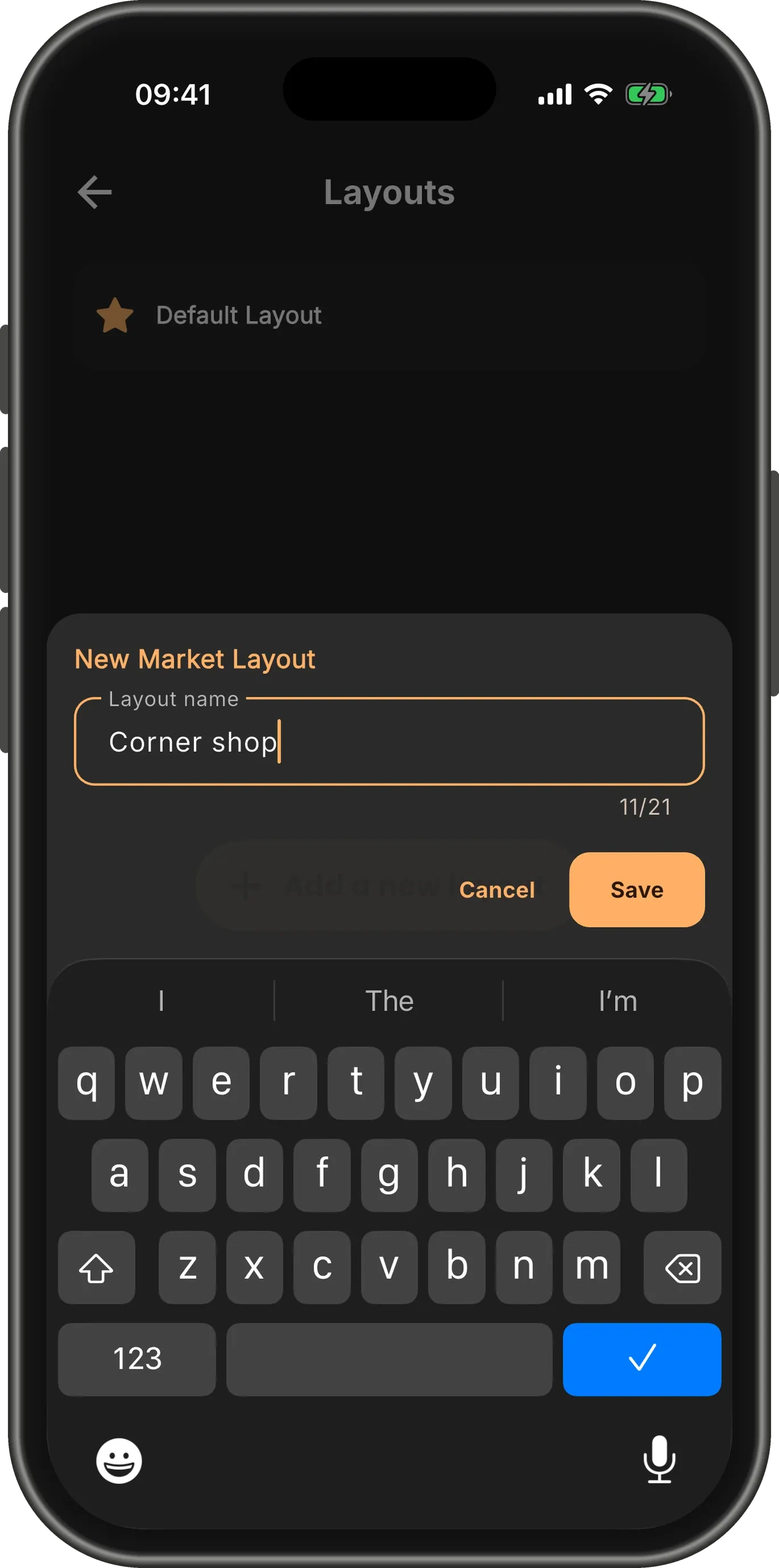
A layout for each shop
Shop in more than one place? Tap Add a new layout, give it the shop’s name, and arrange its shelves the same way.
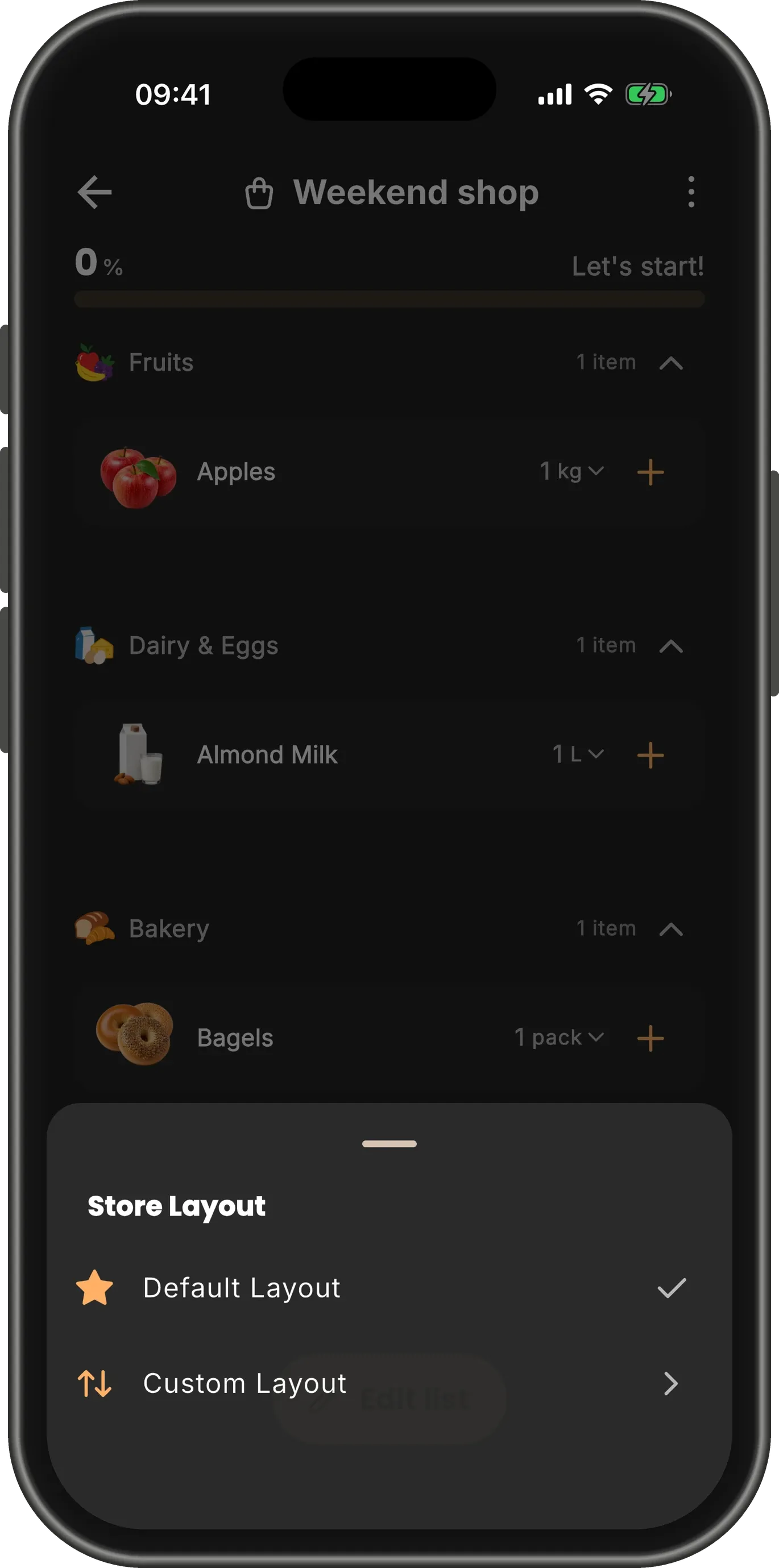
Use it on a list
On a list, open the menu (⋮) and choose Store Layout. Pick the shop you are in, and the list sorts itself into its aisles.
Custom Layout lets you put one list in an order of its own.
TipYou can also pick a layout when you create a list.